How to create a Substack Menu Page

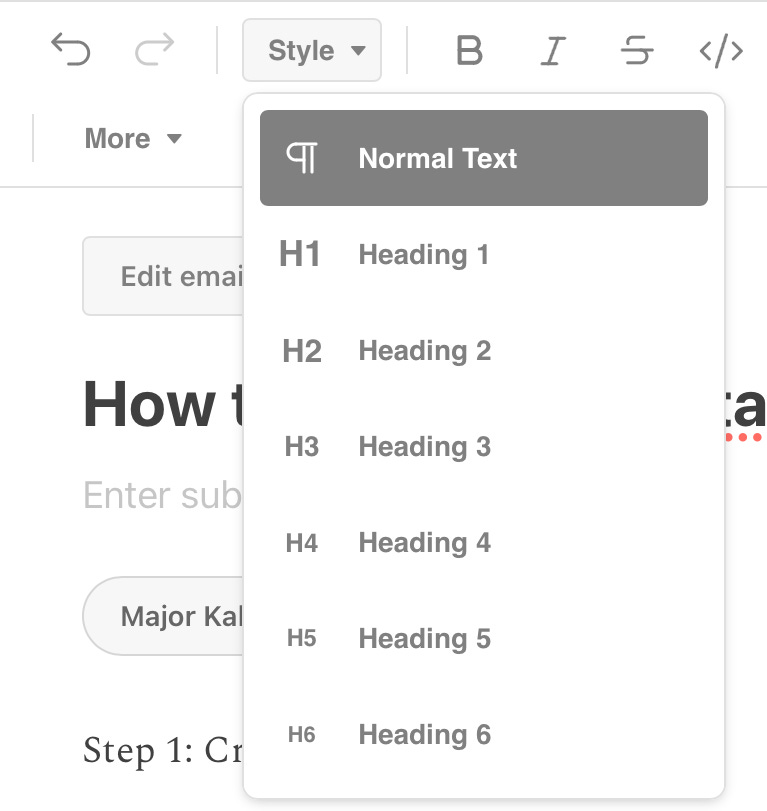
Step 1: Create your Heading
For this exercise, nest to have two Substack tabs in your browser, one for this work, one for copying links from.
I tend to use Heading 3 to make my headings readable but not overwhelming.
Make one heading for each topic you wish to category by
Leave at least one space between headings
Step 2: Create Menu Items
Under each heading, list your page names separately, one per line.
Then, turn them into bullet points by selecting all the ones under one heading and use the Bullet Point Feature (see below).
Next, select the item you want to link, then use the Link Feature (see below).

Closing
By far the easiest way to organize your Substack. Even a Stinky Horse can do it. 🐎